G7 Calibration and ICC Rendering Intents
G7 Calibration and ICC Rendering Intents
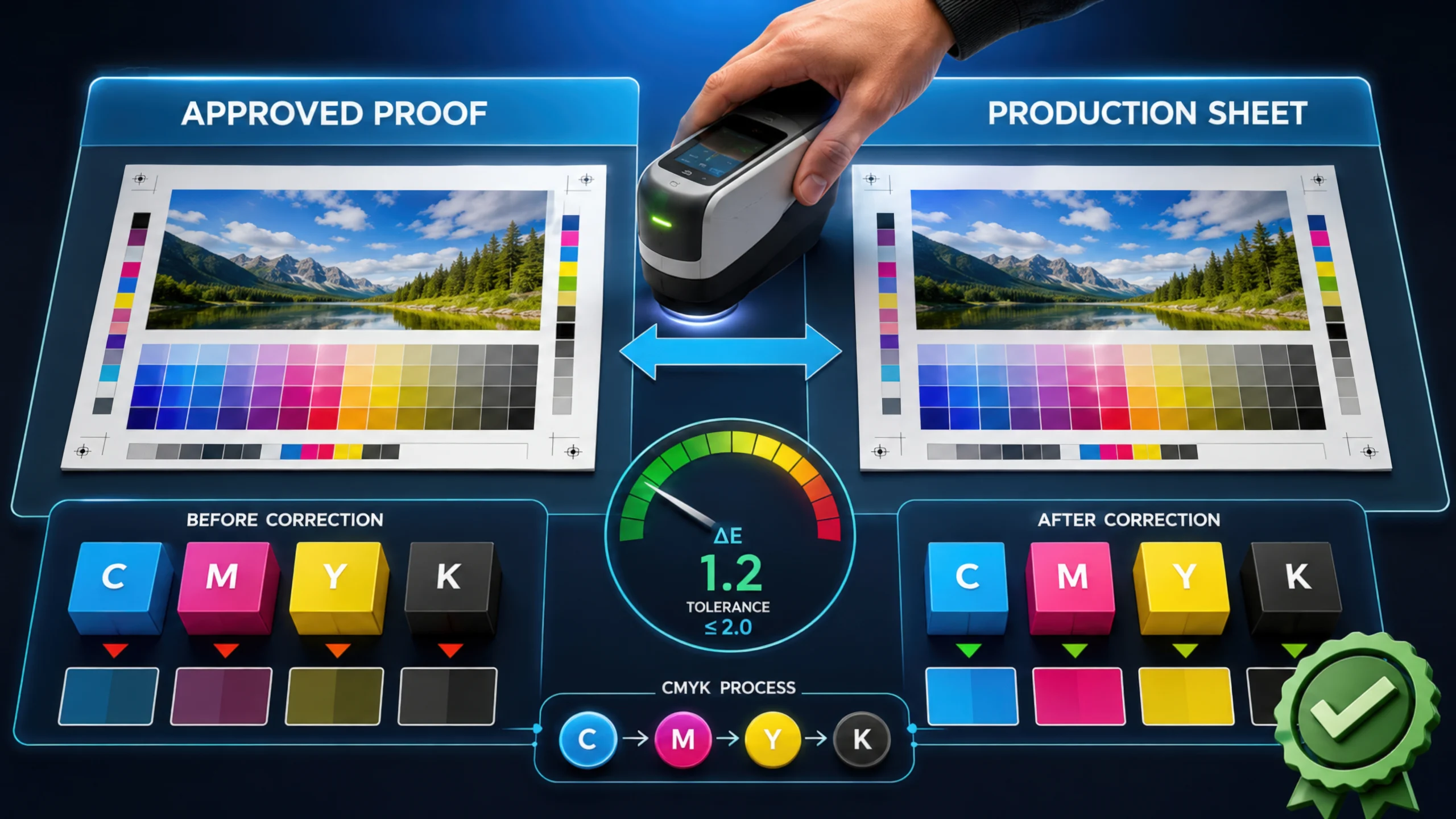
When running high-end digital inkjet presses or offset lines, generating accurate ICC profiles is only half the battle. The true test of a commercial print operation is how those profiles interact with your Digital Front End (DFE) and press calibration standards during live production.
While understanding rendering intents (Perceptual, Relative Colorimetric, Absolute Colorimetric, and Saturation) tells your RIP how to map out-of-gamut colors, those instructions rely heavily on the underlying state of your press. If your press density fluctuates, even the most meticulously built ICC profile will produce unpredictable results on the floor.
This is where G7 methodology and neutral print density curves change the game.
The Role of the DFE and RIP in Color Management
When a client file arrives at your prepress department, it often lands in the DFE (such as an Xitron Navigator RIP) carrying native RGB elements or mismatched spot colors.
Your DFE processes the file by applying the embedded or assigned source profile, cross-referencing it with your target press profile, and applying the chosen rendering intent. However, the DFE assumes your press is running at a stable, standardized visual state. If your press is drifting, the CMM’s mathematical calculations fall apart.
How G7 and ICC Profiles Work Together
G7 calibration—developed by IDEAlliance—focuses on matching the visual appearance of printed grayscale images across different devices, regardless of the underlying ink technology or paper stock.
-
Neutral Gray First: G7 calibrates the press using neutral print density curves (NPDC) rather than traditional dot gain alone. It forces cyan, magenta, and yellow to balance into clean, neutral grays from highlights to shadows.
-
Locking the Neutral Axis: When you apply a Relative Colorimetric intent in your DFE, the RIP relies on the press maintaining that stable G7 neutral axis. Because G7 aligns the neutral grey scale, the colorimetric mapping matches visual gray balance seamlessly between proofing and press sheets.
-
Linearization and Curve Application: Before the ICC rendering intent is even calculated, your DFE’s calibration curves (often fine-tuned via iterative patch scanning with an i1iO table and spectrophotometer) linearize the press. This ensures that the gamut mapping executed by your rendering intent lands on predictable, repeatable ink densities.
Best Practices for Commercial Prepress Workflows
To bridge the gap between software rendering intents and physical pressroom execution, implement these operational steps in your workflow:
-
Calibrate Before You Profile: Always run your G7 calibration or system linearization before measuring test charts for custom ICC or DeviceLink profile generation. If the press state shifts after profiling, your rendering intents will map colors to a moving target.
-
Understand DFE Intent Overrides: Many DFEs allow operators to set default rendering intents for incoming jobs. Ensure your prepress team knows when to override client defaults—using Perceptual for heavy photographic catalog work and Relative Colorimetric for brand-critical packaging and G7-verified runs.
-
Verify with Target Curves: Use verification tools (like Chromix ColorThink Pro or Fujifilm ColorPath SYNC) to inspect how your RIP’s rendering engine handles extreme highlights and shadow detail prior to production release.